 Compatibility Guaranteed


Great device, works very well. The communication was also great - we didn’t receive a charging cable with the device. After answering a couple of questions, had a charging cable in my hands by them the very next day.


Barcode Scanner for Square
Save up to 40%


Thermal Receipt Paper

Under-Counter Mounting Brackets
Barcode Scanner for Square
Save up to 40%
Thermal Receipt Paper
Under-Counter Mounting Brackets

Square reader
Save up to 40%
Thermal Receipt Paper

POS stand for iPad and Tablets
Under-Counter Mounting Brackets
Square POS Hardware Bundle — Receipt Printer, Cash Drawer & Accessories
 Works with: Square Register
 Compatible With: iPad, iPad (2nd Gen)
$319.99
$339.99
$359.99
Barcode Scanner for Square
Save up to 40%
Thermal Receipt Paper
Under-Counter Mounting Brackets
Barcode Scanner for Square
Save up to 40%
Thermal Receipt Paper
Under-Counter Mounting Brackets
Square reader
Save up to 40%
Thermal Receipt Paper
POS stand for iPad and Tablets
Under-Counter Mounting Brackets

Free Shipping
Free shipping on every order, no minimums, ever.

Free Setup Assistance
Get help installing and connecting by phone or remote login.

Lifetime Tech Support
Call or text our US team for help as long as you own it.

Same-Day Dispatch
Order by 4pm EST and it leaves our NJ warehouse today.
Why We’re Better
EOM-POS is a U.S.-based hardware supplier, so every order ships fast from our New Jersey warehouse with free shipping, free 90-day returns, and lifetime U.S.-based tech support behind it. We sell new hardware only, never refurbished, and every product is tested for compatibility with your POS platform before it's listed. There's no software to license and no subscription to sign, just reliable equipment you own outright, backed by real people who help you set it up and keep it running.
EOM-POS
Lifetime US-Based Tech Support
Free Phone or Remote Login Setup
No Sales Tax*
Free Shipping, Free Returns
Others
No Ongoing Support
No Setup Help Included
7%+ Sales Tax in Many States
Costly Shipping and Return Charges
Frequently Asked Questions
What is your return policy?
What is the warranty period?
How much is shipping?
How fast do you ship?
Some of the reviews shown are from related products the merchant grouped with this one.
O
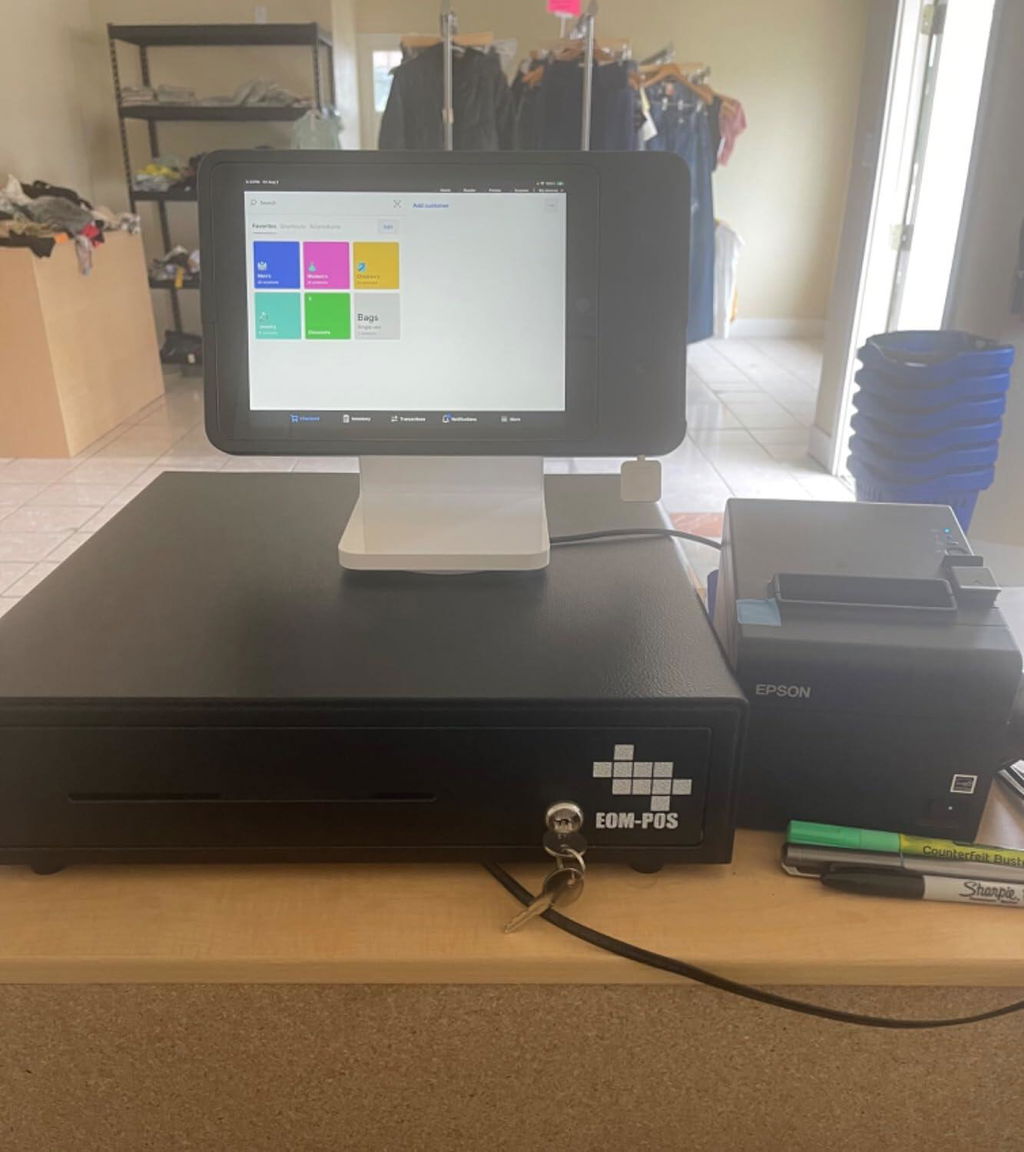
I ordered this when I was opening a store and so many POS systems cost anywhere from $800-$2,000. I bought the Square Stand from Best Buy at a discount and a tablet to go with and then the rest from EOM and it was just plug and play. I’ve read some reviews of people saying they had to contact the seller to get help setting it up but the Square Stand automatically recognized it, and what a relief that was since this isn’t a recognize version of what they recommend. So to all you who are thinking of purchasing a Square Stand, this works with it and for a bargain! Now I can scan, print receipts, and handle cash for less than $400!Been using it for a month now. I opened July 11th 2024. If it ever stops working I’ll add an update, but this seems sturdy enough so here’s to hoping for no update!
J
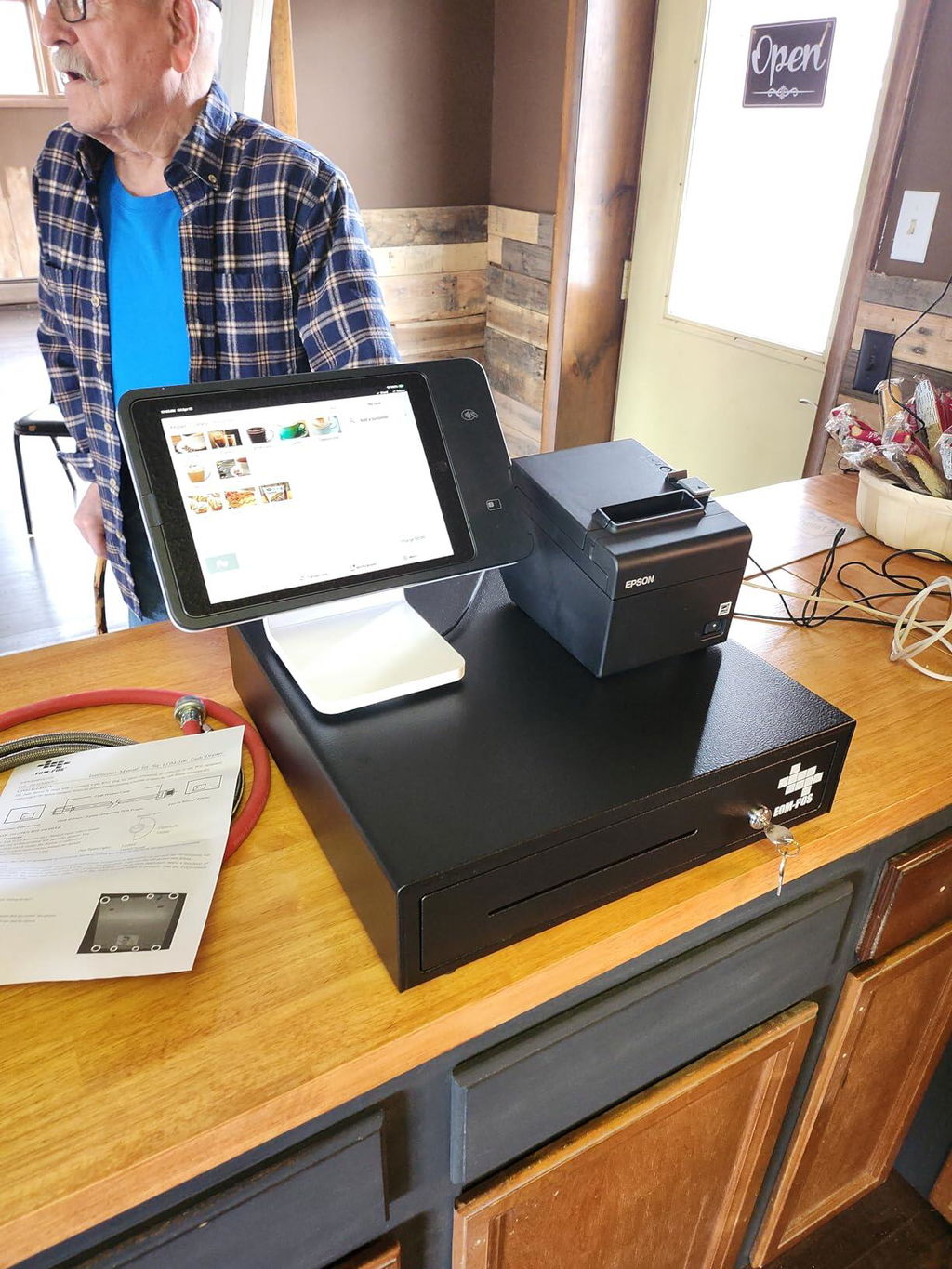
I called square and their "tech" claimed this was NOT compatible with any square stands. TM-T20III is NOT compatible. Only TM-T20II is. I talked to EOM POS and he walked me through every step and was up and running asap
M
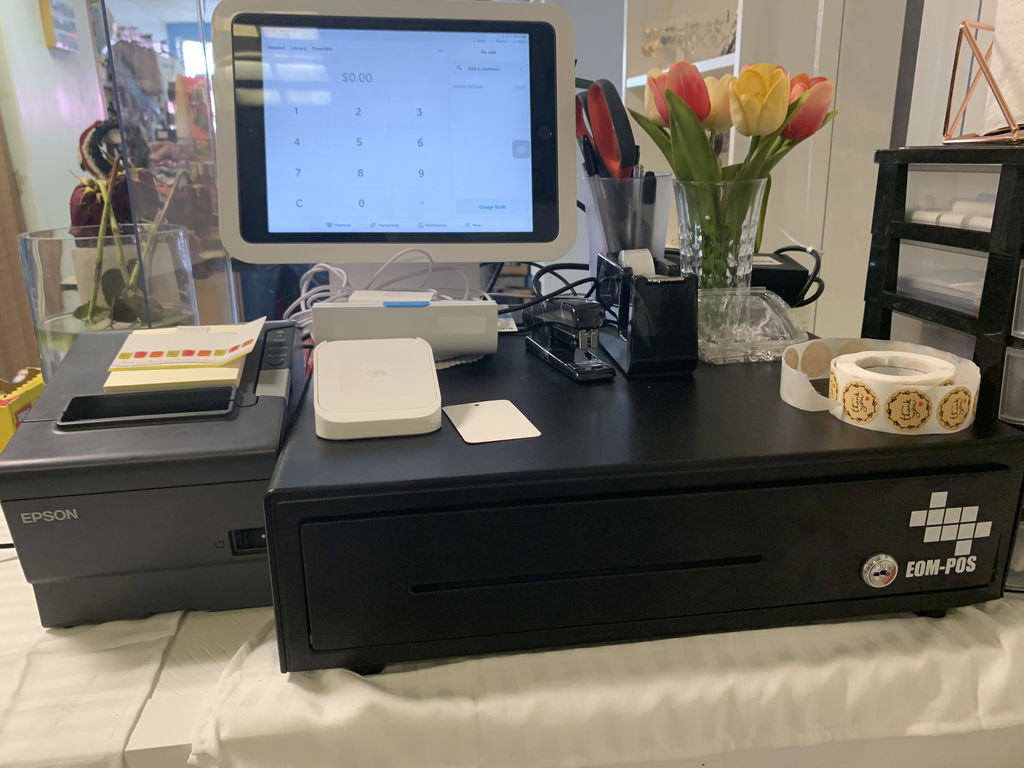
Easy to install, great price, great quality. I’m happy I found this deal.
C
We are very satisfied with the Shopify POS Hardware Bundle, including the receipt printer and cash drawer. Both components have worked reliably and integrated smoothly with our Shopify system, helping streamline our in-store checkout process. The receipt printer is fast, consistent, and produces clear receipts without frequent jams or connectivity issues, while the cash drawer is sturdy, secure, and opens seamlessly with each transaction. Setup was straightforward, and everything worked as expected right out of the box. Overall, this bundle has improved the efficiency and professionalism of our checkout experience, and we would recommend it to other businesses looking for dependable POS hardware.
D
Easy to set up. Works great
M
Great quality and easy to set up
D
There were issues with them working, but....their tech support helped me resolve all the isuses and all is working well. Their tech support was very nice and ...... patient.
S
Purchased to go with Square register which it did. It is up and running. Price was less than price on Square website which was helpful. Drawer was larger than thought also. It has been in use for about 2 weeks.
L
I had an issue 3 weeks after receiving my printer and customer service was amazing! On the same day they had a tracking number with a replacement printer! I have been so happy with the printer and cash drawer and how easily it set up to my square terminal. Thank you so much for making my life easier!!!
C
I live this cash drawer. The amount of bill slots and coin slots are great and good size as well where the bills ar not cramped in there. The only thing I was not excited about is when you put a large bill in the large bill slot below the drawer sometimes they fall back behind the drawer into the drawer housing.
R
Wish I would have bought this sooner. I have a square stand with my ipad 10 pro in it. It connected perfectly to this well made, beautifully finished register and printer. It makes life so much easier. The price was comparable to other brands and the size is an average register. The printer is super fast and very clear. Deffently should have bought this sooner.
A
Works great
S
The printer was easy to configure to the register. The only problem was the usb did not have the right connection end to attach to my square register so I had to go to Walmart and buy an adapter.
C
We use this for our taco trailer business and it works great! No complaints! All we need is more money coming in! Ha, Ha!
J
I purchased this for my uniform store to go with my square register. It was easy to set-up everything and it is definitely worth the money. The only downside is that I have to leave the key in the register or lock it in order for it to close. Unlocking it between each transaction is a little annoying but other than that, no complaints
p
Great product. Works every time
T
This pro is his huge and not sufficient for a food truck business.. in the way and bulky
T
Purchased for my Square POS system. Cash drawer was damaged upon receipt. Upon notification of said defect, seller immediately responded and offered to replace the drawer w/o returning the damaged unit. Received the replacement within two days of notification. Would definitely purchase from this seller again. Am very pleased.
A
I was able to secure the register under the table and it was super easy to connect to the printer compatible with my Square POS
J
This one works with square.Other ones recommended by Amazon were not compatible with square
D
good cash register
D
AAAAA+++++ Highly Recommended! Excellent Transaction !All items were in excellent condition
J
They were easy to install and connect, arrive very timely something I do appreciate, only reason for 4 stars and not five is that I have only had it for a month and not sure how will perform as times goes by.
S
Great product! Easy to set up, and fast delivery!!! 🥰
J
Don't know if this stuff will last, but I was shocked and surprised that all I had to do was plug it all together and it worked! I purchased the Square stand separately, and it includes 3 USB ports on the power cord. So, the printer, scanner, and a chip reader/apple pay dock all plugged into the USB ports. The cash drawer plugs into the printer. I had already uploaded my 1000 different SKU's with ISBN/UPC codes into my Square account and so as soon as I scanned the first item it popped up on the screen immediately. It scans items very quickly! Wow! We have been using old Royal cash registers with scanners and this obviously feels like we're finally in the 21st century.
N
Took less than two minutes to install and have it up and running.
H
Works perfectly with my Square stand and system. Very easy to install. Great quality.
F
Cant wait to use this full time in the store
H
Easy to install, just followed instructions emailed to me before I received the product. Customer service is excellent
R
Very sturdu
A
Plug and use.... it was that simple!